01core
Prompts, not scripts
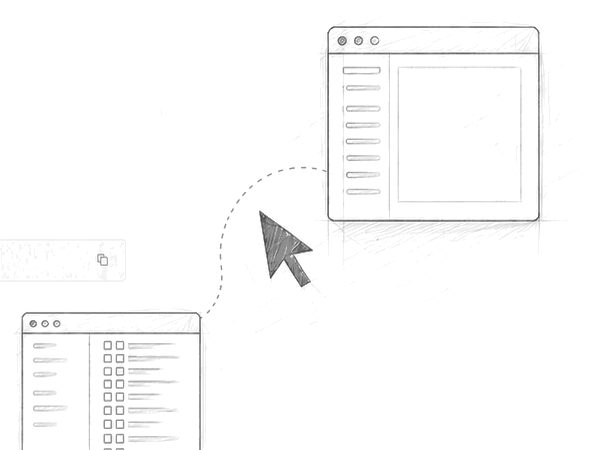
You write a prompt; the model emits a plan of UI actions (clicks, keystrokes, AX reads); openclick executes the plan.
openclick is an experimental CLI that wires an LLM into the macOS Accessibility APIs. You write a prompt, the model proposes a plan of UI actions, openclick executes them. Expect rough edges.
The model's plan is printed before anything executes. You can read it, edit it, or abort.
openclick is a thin shell around two things: an LLM that turns your prompt into a plan, and a runner that executes that plan against the macOS Accessibility APIs. Nothing more.
You write a prompt; the model emits a plan of UI actions (clicks, keystrokes, AX reads); openclick executes the plan.
Anything reachable through the macOS Accessibility tree — Notes, Mail, Safari, Slack, Terminal. Apps with poor AX support won’t work well.
OpenAI, Anthropic, DeepSeek, or any compatible endpoint. Local via Ollama or LM Studio. No bundled keys.
Use it from your shell, the menu bar app, or as a long-running daemon for scripts and hooks.
Read the code, fork it, vendor it. No CLA. Issues and PRs welcome but not promised to land.
No accounts, no telemetry. Prompts and screen contents stay on your Mac unless you point it at a cloud model.
Illustrative. Real results depend on the model and the apps you point it at.
Bring your own keys. Switch per run with --model. Use a local model if your prompts touch anything sensitive.
openclick is early, MIT-licensed, and a single repo. Issues and pull requests are welcome — no roadmap promises.